
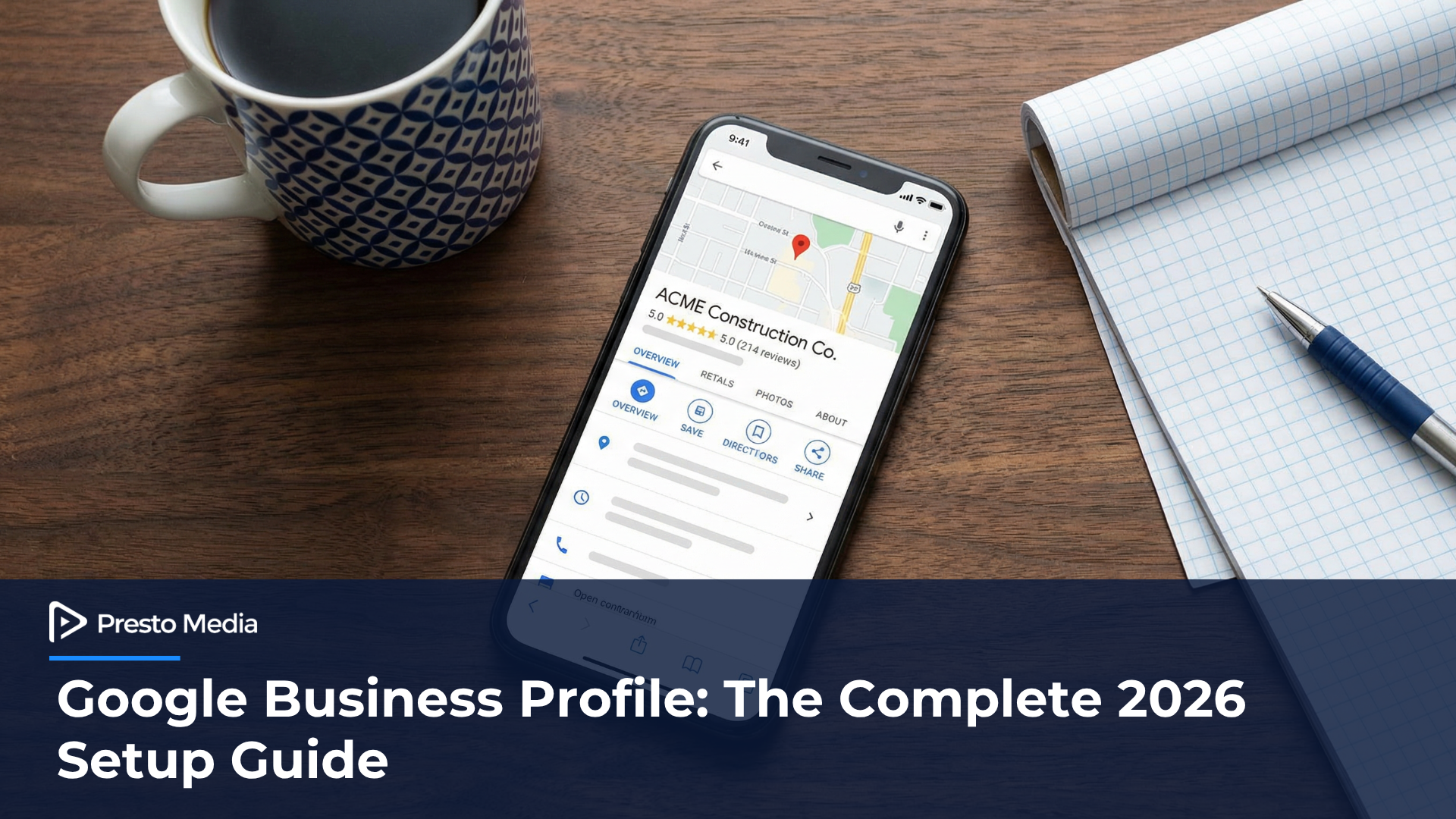
Your Google Business Profile is the single most important piece of your local SEO strategy.
Not your website. Not your blog. Not your social media.
Your GBP.
When a homeowner in Birmingham searches “roofer near me” or a business owner in Huntsville types “commercial HVAC service,” Google pulls from GBP data first. That Map Pack — the three businesses that show up with the map at the top of the page — is driven almost entirely by how well your Google Business Profile is set up and maintained.
And here is the problem: most service businesses in Alabama set it up once, forgot about it, and wonder why they are invisible.
This guide walks you through every step of setting up and optimizing your Google Business Profile in 2026 — whether you are a contractor, a dentist, an attorney, a landscaper, a med spa, or any other service-based business.
Step 1: Claim and Verify Your Profile
If you have not claimed your Google Business Profile yet, that is step one. Go to business.google.com and search for your business. If it exists, claim it. If it does not, create it.
Google will verify you own the business. This usually happens by postcard, phone call, or email — sometimes video verification. It can take a few days. Do not skip this. An unverified profile barely shows up in search.
If you already claimed your profile a while ago, log in and check that everything is current. A lot changes in a year.
Watch: How to Avoid Getting Your Google Business Profile Suspended
Before you start optimizing, make sure your profile stays live. Google has been cracking down on GBP suspensions in 2026 — and most of them come from simple setup mistakes, not scams. In this video, I walk through the 7 most common suspension triggers and the exact reinstatement process if your listing gets flagged.
If your profile is active and in good standing, keep going. If you are not sure, watch the video first — it could save you a major headache.
Step 2: Choose the Right Primary Category
This is where most businesses mess up.
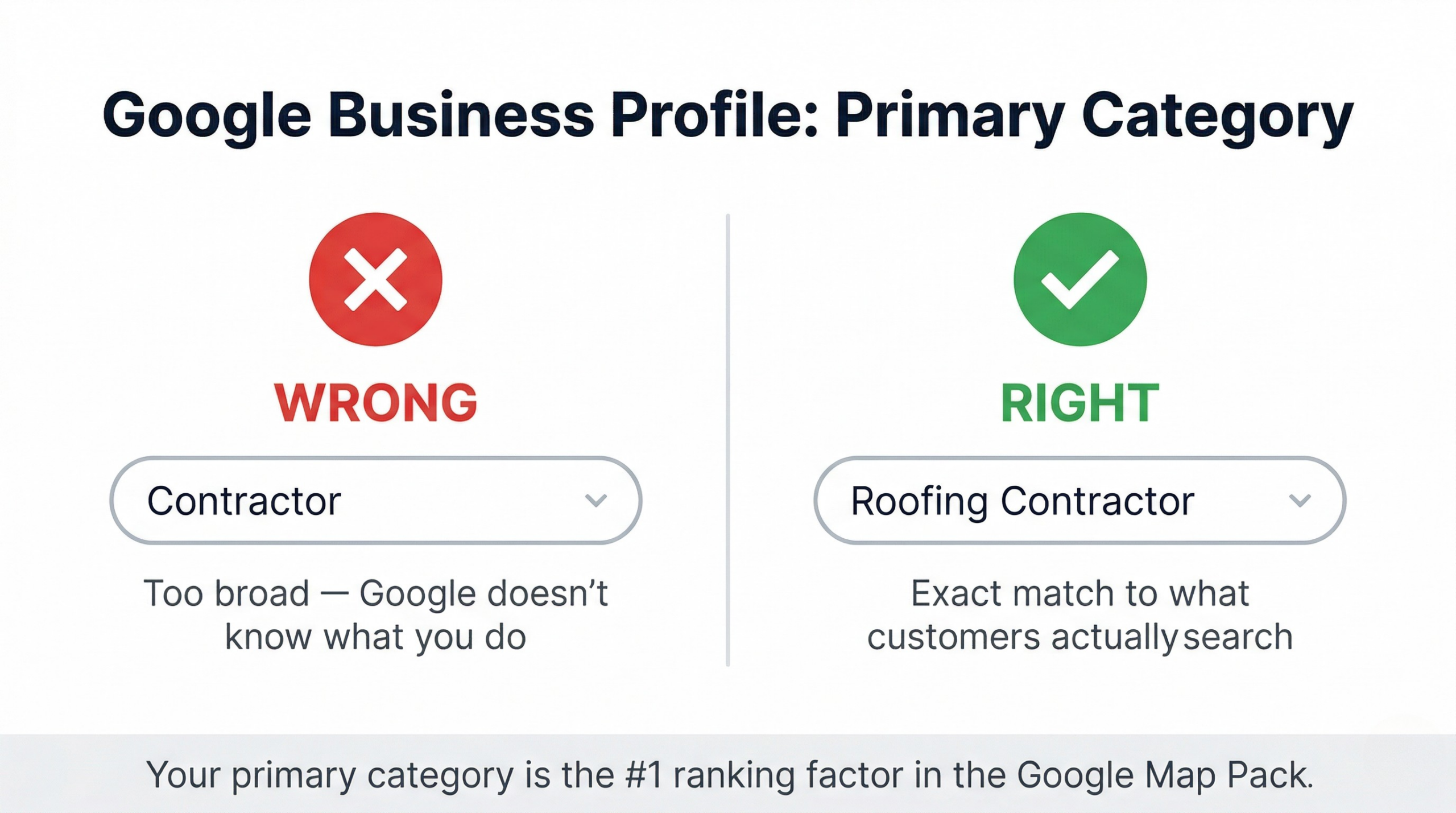
Your primary category tells Google what you do. It is the single biggest ranking factor inside the Map Pack. Google has a predefined list of categories — you cannot make one up.
If you are a roofing contractor, your primary category should be “Roofing Contractor” — not “General Contractor” and not “Construction Company.” If you are a family dentist, it should be “Dentist” — not “Medical Office.”
Be specific. The more precisely your category matches what people search for, the more likely you are to appear.
You can also add secondary categories. A fence company might have “Fence Contractor” as primary and “Deck Builder” as secondary. An HVAC company might add “Air Conditioning Repair Service” and “Furnace Repair Service” as secondaries.
Add every category that legitimately applies to your business. But get the primary one right — that is the one Google weighs the heaviest.
Step 3: Write a Real Business Description
You get 750 characters. Use them.
Your description should say what you do, who you serve, and where you operate. This is not the place for corporate speak. Write it like you would explain your business to someone at a job site.
Bad example: “We are a full-service provider of premium solutions for residential and commercial clients.”
Good example: “Presto Media helps service businesses across Alabama get found in Google Maps and local search. We work with contractors, dentists, attorneys, and other local businesses to build local SEO systems that generate real calls and leads every month. Based in Pelham, serving all of Alabama.”
Include your primary service, your location, and the types of businesses or customers you work with. That is it.
Step 4: Set Your Service Area (Correctly)
If customers come to you, set your address and mark it visible. This is for dentists, restaurants, salons — anywhere people physically visit.
If you go to your customers, you are a service-area business. Hide your address and set your service areas by city or zip code. This is for most contractors, mobile services, and home service businesses.
Here is the part most people miss: you can list up to 20 service areas. If you serve Birmingham, Hoover, Pelham, Alabaster, Vestavia Hills, Homewood, and Trussville — list all of them. Google uses this data to determine whether to show you when someone in those cities searches for your service.
Do not list cities you cannot actually serve. Google pays attention to where your reviews come from and where your customers are. If you claim you serve Mobile but all your reviews are from the Birmingham metro, that inconsistency will hurt you.
Step 5: Add Every Service You Offer
Inside your GBP, there is a Services section. Most businesses leave it blank or half-filled.
List every service individually. A roofing company should not just list “Roofing.” List roof repair, roof replacement, storm damage repair, gutter installation, roof inspections, and commercial roofing as separate items.
A dental practice should list cleanings, fillings, crowns, implants, teeth whitening, emergency dental care — each one separately.
This matters because Google matches these service entries to what people search for. The more specific you are, the more chances you have to show up.
Step 6: Upload Real Photos (Not Stock Images)
Google has confirmed that businesses with photos get more clicks, more calls, and more direction requests than businesses without.
Upload photos of your actual work. Real job sites. Real finished projects. Real team members. Your truck, your office, your equipment.
Stock photos do nothing. They do not build trust with customers and they do not help Google understand your business.
Aim for at least 10-15 photos to start. Then add 2-3 new photos every month. Google notices when your profile is active versus stale.
Geo-tag your photos before uploading if possible. This adds location data to the image file, which reinforces your service area signals.
Step 7: Publish Weekly GBP Posts
Most business owners do not know this feature exists.
Google Business Profile has a Posts section — similar to social media. You can publish updates, offers, events, or tips directly on your profile.
Why this matters: posts signal to Google that your business is active. An active profile ranks better than a dormant one.
Post once a week. It does not have to be complicated. Share a completed project photo. Announce a seasonal offer. Share a tip relevant to your industry. Link back to a blog post on your website.
Each post lasts about 7 days before it fades from your profile, so consistency matters.
Step 8: Build Your Review Engine
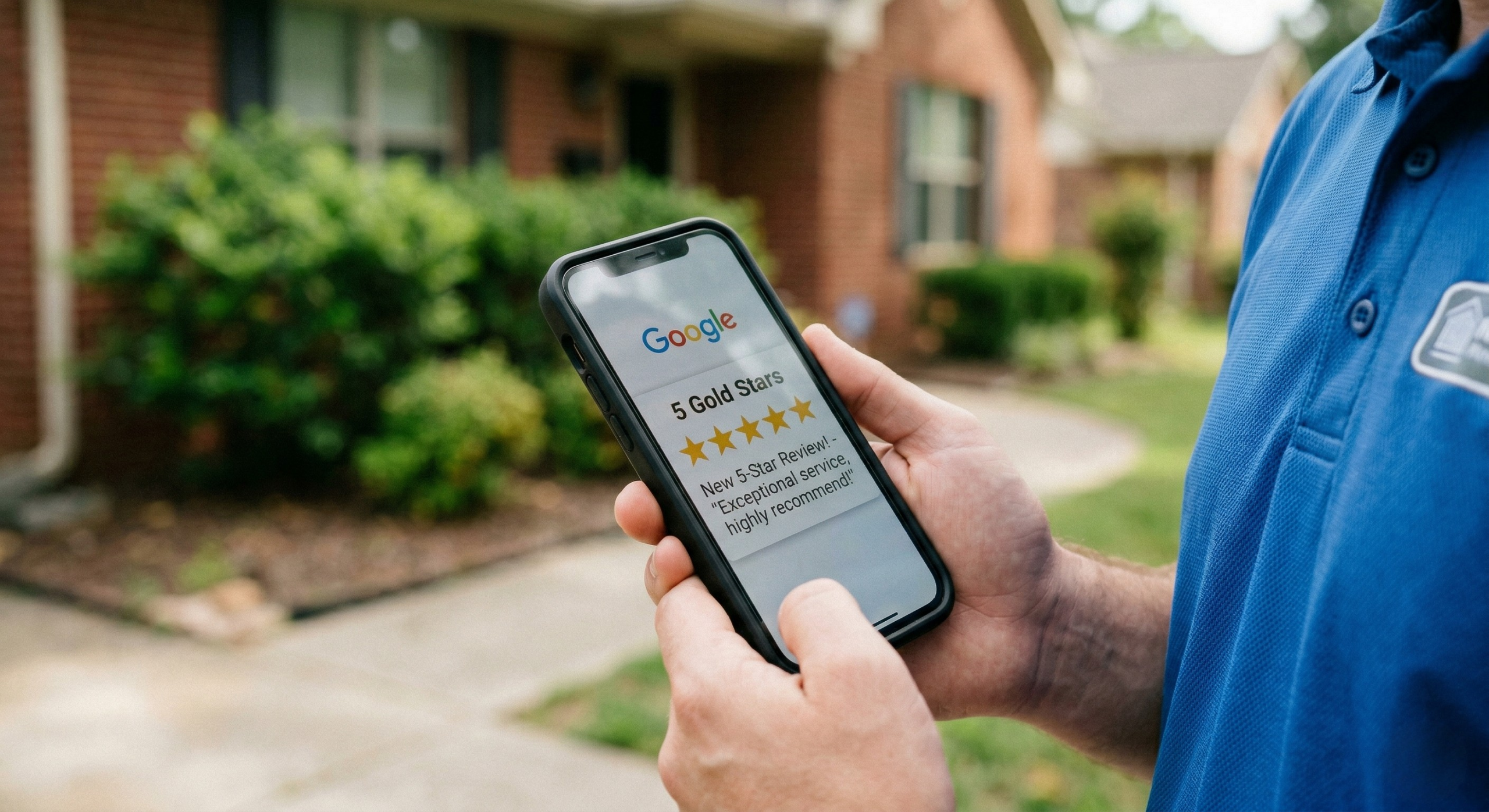
Reviews are one of the top three ranking factors for the Map Pack. Volume, recency, and quality all matter.
Do not wait for reviews to happen. Build a system.
After every completed job or service, send a follow-up text or email with a direct link to your Google review page. Make it frictionless — one tap and they are writing a review.
If you use a CRM or automation tool, automate this. Set it up so every customer gets a review request within 24-48 hours of service completion.
Respond to every review. Positive or negative. In your responses, naturally mention what you did and where. “Thanks for trusting us with your roof repair in Hoover! Glad the crew could get it handled before the rain.” That response now contains a keyword and a city name — both of which Google reads.
Step 9: Answer Questions in the Q&A Section
Your GBP has a Questions & Answers section. Most businesses ignore it — or worse, let random people answer questions about their business.
Take control. Add your own questions and answer them. Think about what customers ask you most often and put those answers directly on your profile.
Examples: “Do you offer free estimates?” “What areas do you serve?” “Are you licensed and insured?” “Do you offer financing?”
Answer clearly and concisely. This builds trust for anyone browsing your profile before they call.
Step 10: Keep It Updated — Every Month
Your Google Business Profile is not a set-it-and-forget-it tool.
Every month, check your profile for accuracy. Update your hours if they change seasonally. Add new photos. Publish a post. Respond to new reviews. Check that your phone number and website link still work.
Google rewards businesses that maintain their profiles. It is one of the clearest signals that your business is active, legitimate, and worth recommending to searchers.
The Bottom Line
Your Google Business Profile is the front door of your online presence for local search. More people will see your GBP than your website — especially on mobile.
If it is incomplete, outdated, or generic, you are losing calls to competitors who took the time to fill it out properly.
Set it up right. Maintain it. And watch what happens to your Map Pack visibility.
Want to see how your Google Business Profile stacks up right now? We offer a free Local SEO audit that includes a full GBP review — what is working, what is missing, and exactly what to fix.
Get Your Free Local SEO Audit here.
Related: What Is Local SEO? (And Why It’s Critical for Alabama Businesses)
Related: Top 10 Alabama Directories That Boost Local SEO
Related: Local SEO Services — Presto Media

